Social game · 2026 — present
Pebbler® for Telegram
From the first spin to the smallest feedback state.
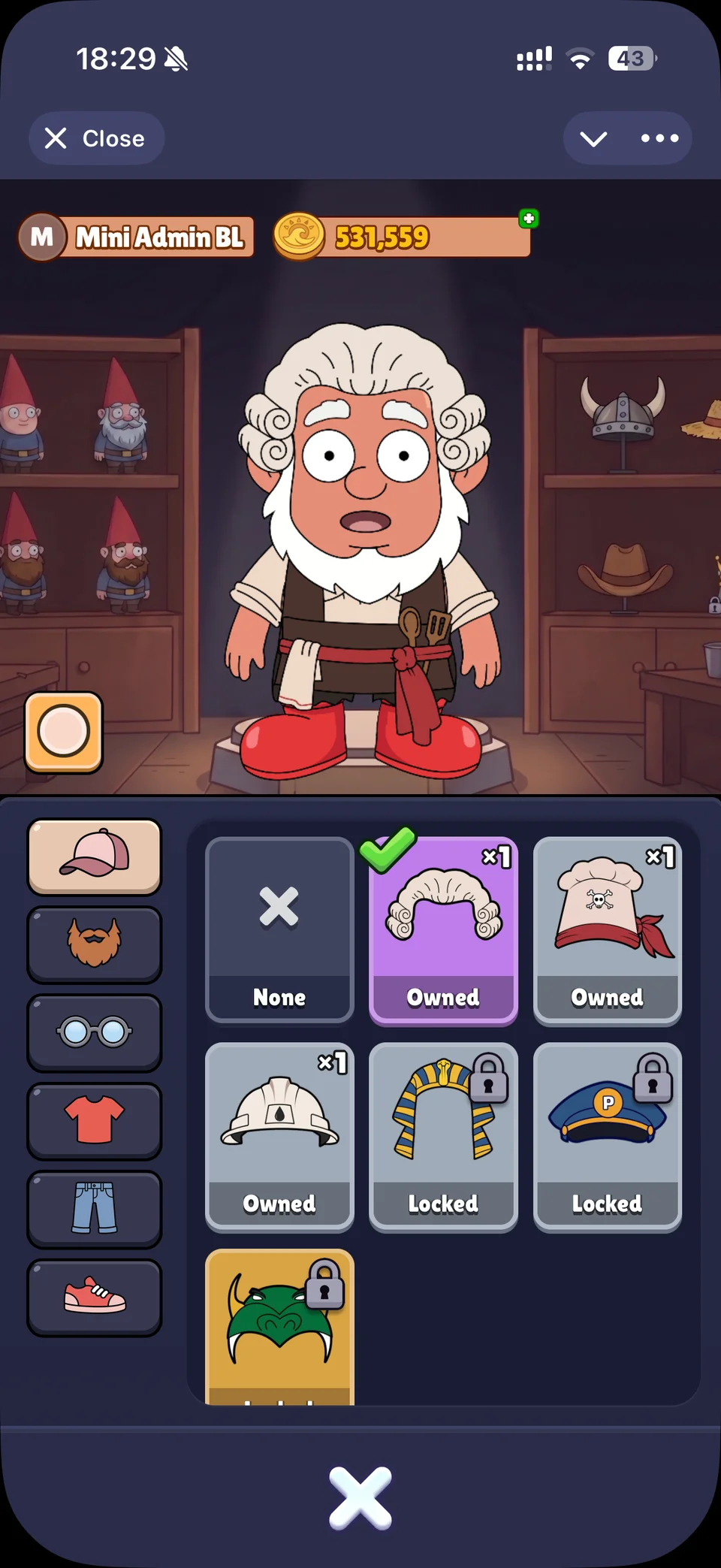
Open the appI build and operate Pebbler, a social slots game inside Telegram. The experience combines character customisation, career quests, animated rewards, and a persistent game economy.
My work spans React and TypeScript interfaces, authentication and payments, Cloudflare Workers APIs, PostgreSQL storage, and localisation. I collaborate with a designer across projects and work with a senior Unity developer on our shared multiplayer codebase.
Making the wheel feel responsive
A spin is a sequence of interactions: pressing the button, watching the wheel move, seeing the pointer settle, and collecting a reward. The interface needs to make those transitions feel connected while preventing another spin from starting at the wrong moment.
I keep the spin controller separate from the page’s presentation. The controller supplies outcomes, balances and available actions; presentation hooks coordinate the wheel, pointer, button and wing. The view combines the pending, spinning and reward states to decide when its controls are busy.
The figure below uses the application’s component and authored wheel configuration, with the prize lineup checked against the live app. A local controller cycles through outcomes so you can try the interactions and read the source alongside them.
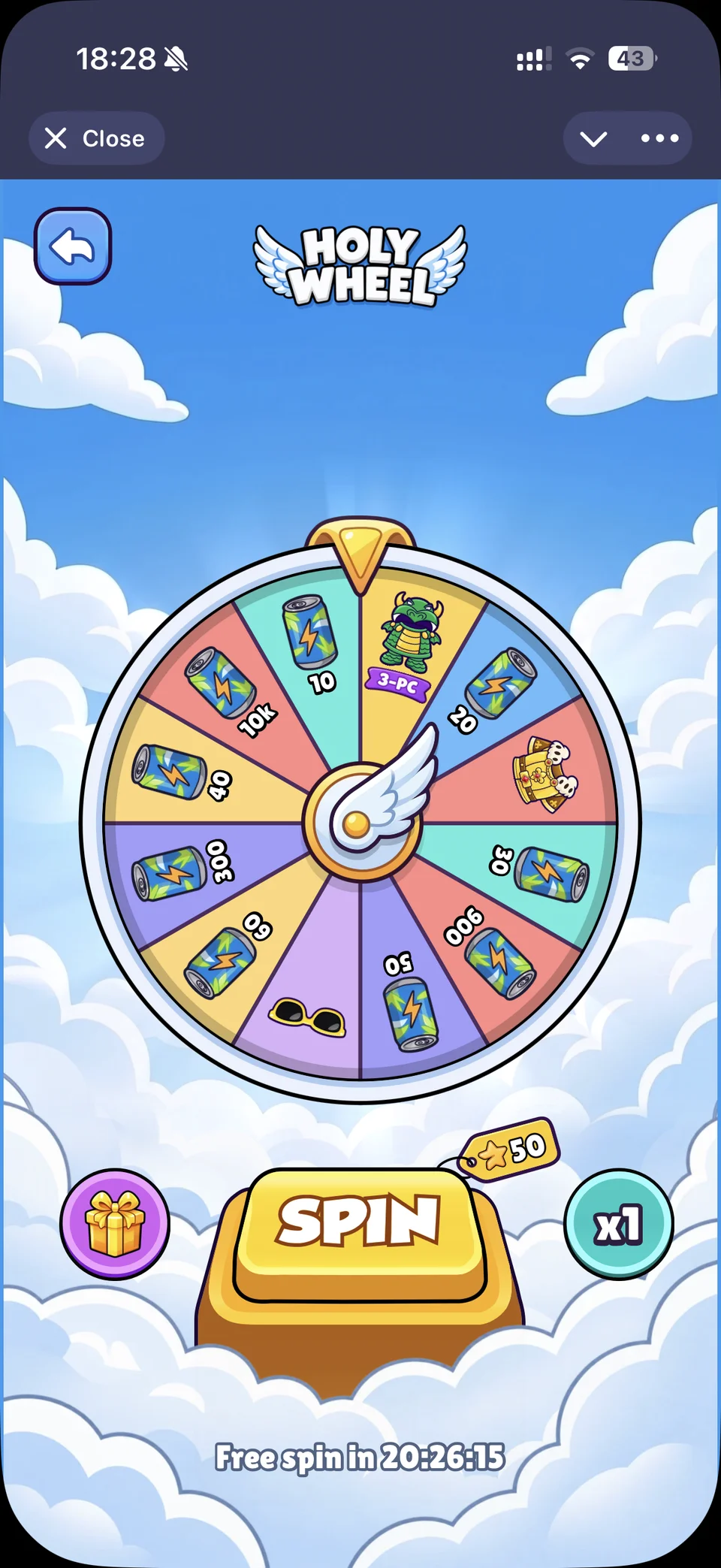
Holy Wheel. Live prize lineup, checked October 2026. Spin, change the multiplier, and collect rewards; outcomes cycle locally and balances are simulated.
Bringing career progression to life
The career page brings a character, a layered environment and several skill tracks into one scene. Completing a quest changes the player’s progress, but it also needs a visible response from the world around them.
JobScene connects quest completion with progress indicators, reward flights and character reactions. Scene configuration supplies the environment and its tracks, while the component coordinates their presentation. It also accepts a suspended state so presentation work can pause when the scene is obscured.
Here, the Egyptian Stone Hauler scene runs with sample quests and a local balance. Completing a quest shows how the progression and feedback fit together.
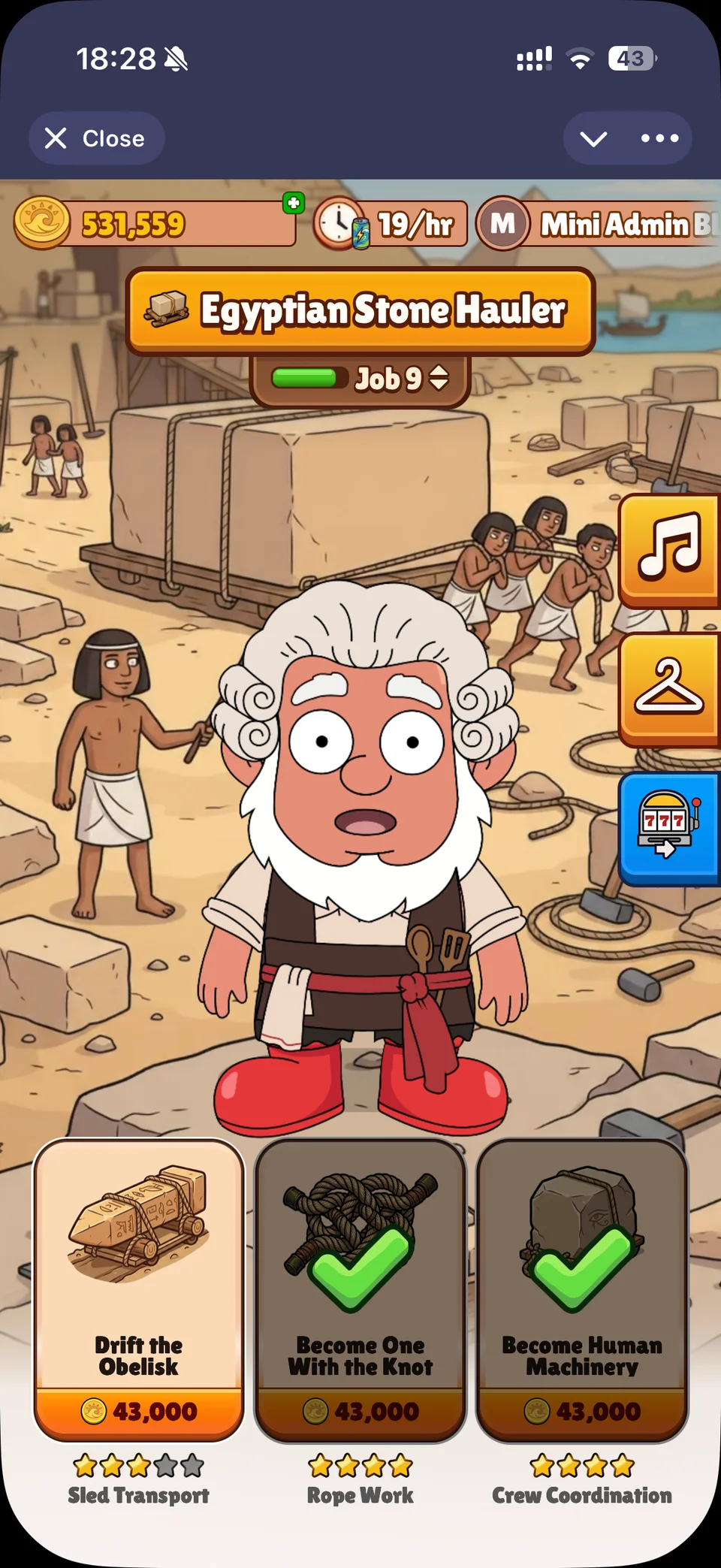
Career scene. Explore the Egyptian Stone Hauler scene and complete the sample quests. Progress stays inside this demo.
Designing the purchase flow
The bundle dialog has to communicate the offer at a glance: what is included, what it costs, and whether it is still available. The artwork is only one part of that job. The component also handles localised amounts, countdowns, purchase limits, busy states and error messages.
I keep checkout ownership outside the dialog. It receives availability and purchase state, and calls an action supplied by its owner. Invoice creation, duplicate prevention and reward grants belong to that checkout flow. This lets the same presentation run in isolated scenarios without creating a real payment.
The example below simulates a successful purchase. It changes the interface state locally and never creates an invoice.

VIP bundle. Try the VIP bundle offer. The checkout is simulated; no invoice or payment is created.
The database behind the game
Pebbler stores its persistent game state in PostgreSQL. The DBML diagram below shows the database tables and their relationships alongside the interfaces they support.
Pebbler database schema. Explore the tables and relationships in the DBML representation of the database.
Testing the states around the happy path
I use Storybook to work through purchase states, localised layouts and reward presentation in isolation. Vitest browser tests cover checkout retries, resumable orders, and responses that arrive after navigation.
These views also sit on shared foundations. I maintain authentication libraries and a typed React state library used across our own applications, so recurring integration and state patterns can be maintained in one place.
From design to implementation
I work with a designer across these projects. To make the handoff more useful for AI coding tools, I built Figma Context: a plugin that exports geometry, design variables, assets and visual references together.
I used that workflow to build nearly all of the Holy Wheel page, the bundle offer dialogs, and most of the career page. The interfaces above are examples of where the tool was used in production work.
A few more details
The same attention to presentation carries through the rest of the interface.