Browser utility · 2025 — present
Bridge
Complex transfers. A clear experience.
Open the appI implemented browser file-sharing flows for direct WebRTC transfers and cloud uploads. The interface surfaces progress while the transfer implementation handles changing conditions.
This work includes adaptive chunking, buffer-based flow control, integrity checks, and persistent download state.
Control the flow
Adaptive chunks and buffer-based backpressure help coordinate reading files with the transport’s ability to send them.
Make progress understandable
The current cloud-sharing flow moves from file selection to expiry, anonymity and an optional message. Upload progress leads into a shareable link and QR code, with completed transfers accessible from history.
This preview uses the production settings, upload-progress and completion drawers, file lists and overview components. A local transport replaces presigning, uploads and finalization; no files reach the production backend. Try the full flow, then open the completed transfer in history.
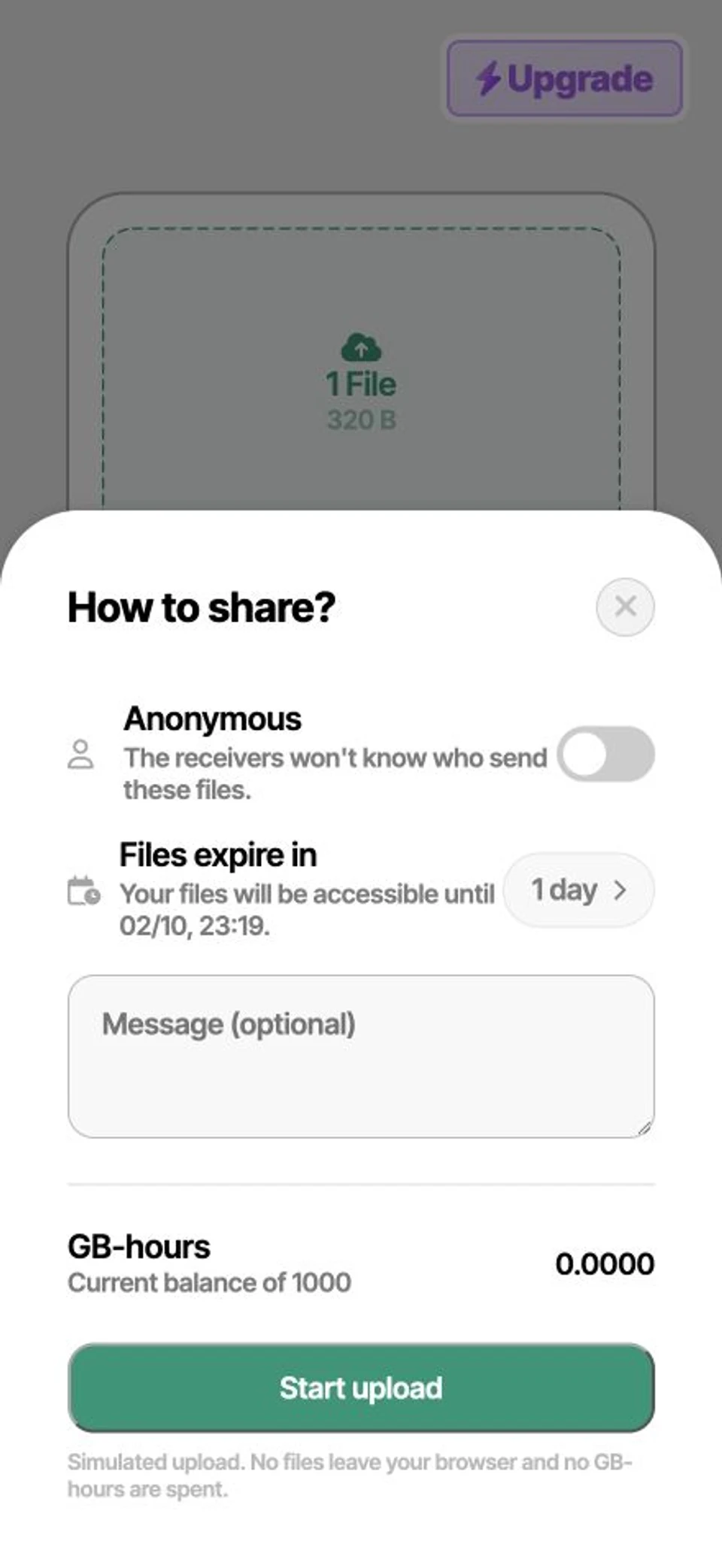
Bridge file sharing. Select sample files, set an expiry and message, then upload and open the link or QR code. Uploads stay local; shared demo links reopen a sample transfer.
Think beyond the happy path
Integrity checks and persistent download state address correctness and continuity in a browser environment.